
Getting approved on the Spark Driver App comes down to two things: meeting the U.S.-only eligibility rules and completing verification without mismatched details.
Plenty of people get stuck on small items like an insurance document that doesn’t show the right name, or a phone number format that fails validation. System requirements matter too, since enrollment steps rely on GPS, camera access, and a stable OS.
What The Spark Driver Platform Actually Is
Spark positions drivers as independent contractors who can toggle availability and accept or reject offers. Work shows up after Spark Now gets turned on in an approved delivery area, and each offer displays the basic job details inside the app.
Spark also allows driving for other delivery apps, since the relationship is contractor-based, not employment-based, per Spark’s own FAQ guidance.
Geography works differently than many global readers expect. Enrollment is available through the app and web, but eligibility requirements point to U.S. identity, U.S. licensing, and U.S. work authorization.
Spark Driver System Requirements
Phone capability comes first because enrollment and deliveries depend on location and photo verification. Spark’s FAQ states a mobile device with camera, flash, and GPS is required, with Android 11 or newer noted as a baseline.
On iPhone, the App Store listing can be stricter than generic help pages, since Apple displays the current minimum iOS version for the latest release.
OS and permission issues create real friction during signup. Camera access blocks selfie verification. Location permissions affect offer flow and navigation. Low storage can break uploads, especially when insurance is submitted as an image or PDF.
A simple setup check helps avoid wasted time:
- Latest OS updates installed
- Location services are enabled for the app
- Camera permission allowed
- Reliable data connection (Wi-Fi or mobile)
Eligibility Requirements That Gate Enrollment
Spark’s official requirements focus on identity accuracy, legal work status, and safety basics. Age must be at least 18. Enrollment requires accurate, consistent personal details, since mismatches often trigger manual review. A U.S. identity footprint also matters because the flow asks for a Social Security number and U.S.-issued documents.
Documentation expectations are specific, especially around identity and driving status. A REAL ID-compliant driver's license or standard state-issued license is used for identity verification, then paired with a selfie prompt inside the app. A Social Security number is also used for screening and tax reporting workflows in the U.S. contractor model.
Vehicle standards remain practical rather than picky. Spark’s guidance emphasizes a clean, reliable vehicle with valid insurance, not a specific make or model. Smaller vehicles can limit what can be delivered, especially for oversized orders.
Required Documents and Upload Rules
Document collection is part of pre-screening and identity verification, so accuracy matters more than speed.
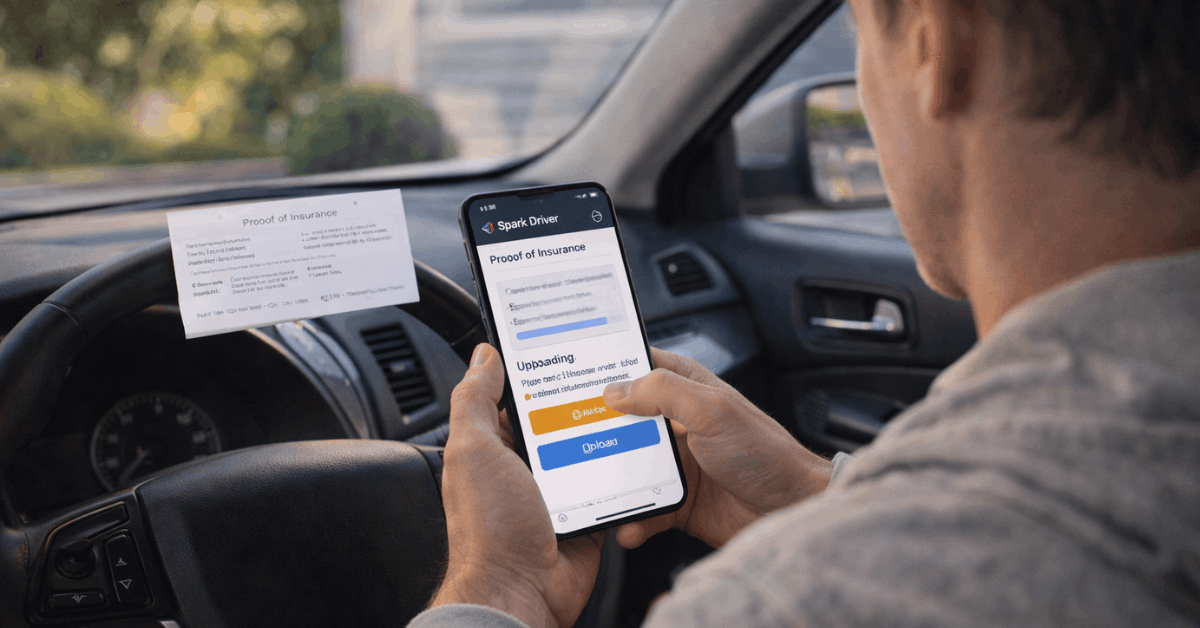
The most common upload requirement is auto insurance proof that clearly shows the driver’s name, vehicle info, and expiration date. Spark’s enrollment guidance also supports common upload formats like JPG, PNG, and PDF.
A short checklist keeps the process smooth:
- Driver’s license details entered exactly as printed
- SSN entered correctly and consistently
- Insurance document shows name, vehicle, and expiration date
- Email and phone number are active and accessible
Identity Verification and Profile Photo Standards
Selfie verification is not cosmetic. Spark uses a selfie and license match to reduce account fraud and support background screening. The selfie also becomes a profile photo that may be visible to Walmart associates and customers, based on Spark’s enrollment documentation.
Photo quality rules are stricter than many expect. Poor lighting, glare, or face coverings can trigger rejection. Offensive or inappropriate content can cause rejection and potential deactivation. Retakes are easier than appeals, so lighting and framing deserve attention the first time.
Spark Driver Background Check
A Spark Driver background check gets handled through a third-party screening provider after required disclosures and consents are signed. Spark’s help content describes screening that can include driving-related review and criminal screening, performed under applicable laws.
Many applicants also see status updates routed through the screening provider’s email flow. Core screening categories usually include motor vehicle records and criminal history checks.
Timing varies by jurisdiction, and county-level processing delays can stretch timelines. A common estimate seen across guidance is roughly one to seven days, though that range can expand when records require manual verification.
Zones, Capacity, and Waitlists
Spark uses zones as the operating unit for offers and capacity planning. Enrollment asks for a ZIP code, then prompts a zone selection if capacity exists. If capacity is full, enrollment shifts into a waiting posture tied to that area.
The phrase that tends to describe the experience is delivery zone waitlist, since applicants can complete steps, yet still remain unable to drive until the zone opens. Spark’s enrollment guidance also notes restrictions on early zone changes. Zone flexibility usually improves after approval and initial delivery activity.
Checking status inside the app matters because openings are capacity-based, not purely application-based. Notifications can arrive through in-app messages, email, or text, depending on the communication preferences selected during enrollment.

Earnings Setup, Payout Options, and Tax Steps
Earnings setup becomes mandatory once the waitlist clears. Spark’s enrollment documentation describes linking an earnings method before driving, including the option to apply for OnePay Cash or link a bank account.
A linked earnings method isn’t a nice-to-have, since missing payout setup can block driving eligibility and may risk deactivation.
Tax Steps
Tax steps follow the same contractor logic used by many U.S. gig platforms.
A W-9 and e-consent flow typically appears inside account setup, and Spark’s tax document guidance indicates tax documents become available in the app on January 31 for electronic delivery preferences. Mailing is the fallback when electronic consent isn’t selected.
Recordkeeping matters for real-world take-home pay. Mileage, insurance costs, and other business expenses can affect taxes for independent contractors. Tracking is not required to drive, yet it can reduce end-of-year surprises.
Common Delays and Fixes That Actually Work
Most delays have boring causes. Name mismatches across documents. A blurry insurance photo. A typo in the SSN or license number. A phone number that is not in the required U.S. +1 format. Fixing those tends to resolve “stuck” checklists faster than repeatedly resubmitting without changes.
Browser choice can matter during enrollment if pop-ups or document viewers fail on mobile. A desktop browser sometimes displays agreements more reliably, especially when multiple documents require review and e-signature.
Background check delays often have nothing to do with the applicant. County courthouses, record matching, and identity confirmation steps can slow processing. Screening provider emails usually contain the most direct status updates when timing stretches.
Staying Safe From Fake Messages
Gig platforms attract scams, and Spark-related phishing often mimics onboarding notices or payout changes.
Official communications should match the channels and patterns Spark describes in its help content. Random links in texts or emails deserve skepticism, especially if they request SSN entry outside the app or ask for payment to “speed up” approval.
Direct access remains safer than clicking. Logging into the app or the official enrollment site and checking status inside the account reduces the risk of handing credentials to a fake page.
Conclusion
The Spark Driver App enrollment flow looks simple, yet it’s built on identity accuracy, device capability, and zone capacity.
Solid preparation means confirming phone compatibility, submitting clean documents, and treating verification steps like a compliance process.
Approval speed depends on screening timelines and zone availability, while the long-term setup depends on earnings and tax consent steps staying complete and current.